
Jacinth Solutions
Teach AI your business once. Then prompt your way through every bottleneck.
The Business Brain Starter Kit is the setup I use to run two businesses with a small team, rebuilt for small businesses and community organisations. One hour to set up, using a tool you already have.
Riverside Community Hub: Business Brain
1. Who we serve
Newly arrived families in Logan and Beenleigh, mostly referred by case workers, contacting us by WhatsApp.
2. What we offer
School enrolment help, job-ready workshops on Tuesdays, and a free homework club.
3. How we sound
Warm, plain English, short sentences. Never “clients”; we say “families”.
5. Our rules
No names or case details in AI. A coordinator checks everything sent to families.
6. Where we're stuck
Volunteer roster gaps and 8 hours a week answering the same enquiries.
What your bottlenecks cost you
Count the hours you or your team spend each week on repeat admin: answering the same questions, chasing, writing up notes, reports and reminders.
$23,040
a year, or 384 hours, spent on work that follows the same steps every time
If AI took even a quarter of that off your plate, you’d get back 96 hours and $5,760 of time a year.
Based on 48 working weeks and your own numbers. The quarter is an illustration, not a promise.
Everything in the kit
Nine tools, each built to replace a job that currently eats your week.
The Business Brain template
Six sections that capture who you serve, what you offer, how you sound, how you work, your rules and this quarter's goals.
Re-explaining your business in every chat, and the onboarding doc you never wrote
The AI interview prompt
Answer questions out loud or by typing, and AI writes your Brain for you in about 30 minutes.
Staring at a blank page
10-minute setup for Claude, ChatGPT and Copilot
Where to click, what to upload, and the exact project instructions to paste in, plus a two-minute test.
Weeks of trial and error
My exact Claude Code setup
The folder, CLAUDE.md, memory file and terminal commands I use to run my businesses, step by step, with files to download.
Explaining your business again in every session
The Bottleneck Finder
A prompt that interviews you about your week and ranks your 10 biggest time drains, plus a scoring sheet to pick the first one.
An operations consultant's discovery session
18 copy-paste prompts
For enquiries, onboarding, meetings, funder reports, grants, social posts, follow-ups, payments, costs and decisions.
Hours of drafting the same things every week
The operator's prompting formula
Job, situation, output, check. Plus the follow-ups that turn an OK answer into a great one, and fixes for weak answers.
Generic answers that could fit any business
Safety rules and a one-page AI policy prompt
What never goes into AI, what a person always checks, and a prompt that writes your team's AI use guide.
Writing a policy from scratch
The 60-day plan
A checklist from first setup to your first bottleneck fixed and measured in minutes saved.
Good intentions that never get started
The difference one document makes
Without a Business Brain
“Write a follow-up email to someone who enquired.”
You get a polite, generic email that could come from any business. Wrong tone, no real next step, and you rewrite most of it.
With a Business Brain
“Write a follow-up email to someone who enquired.”
Same prompt. It knows your services, who qualifies, your booking link, your tone and the questions people usually ask, so the draft is ready to check and send.
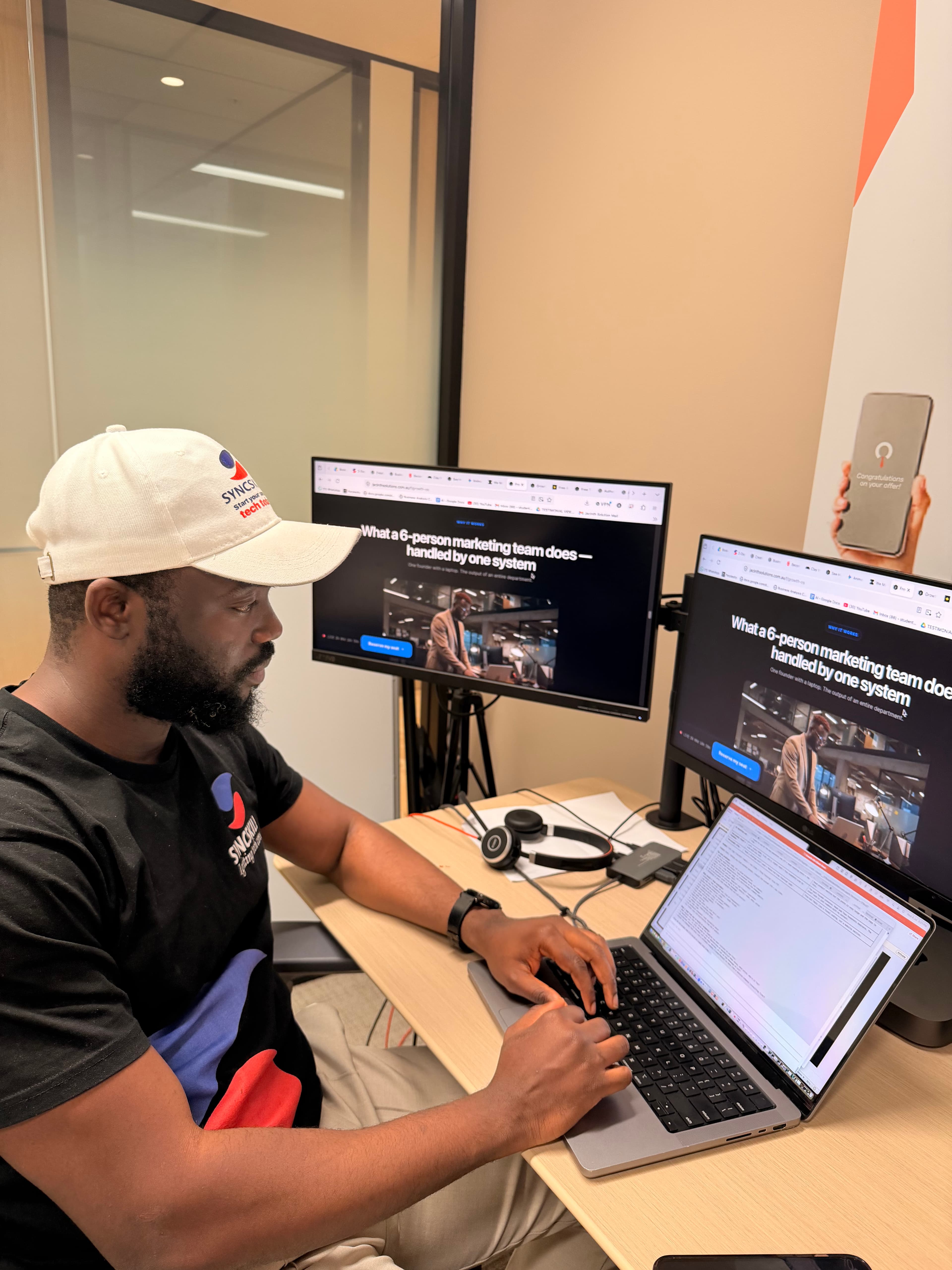
Why I built this
When I lost my $142,000 corporate job with a baby on the way, I couldn’t afford a developer, an agency or an operations manager. So I wrote my business down once and taught AI to work from it.
That one habit now runs content, ads, follow-up and reporting across SyncSkills and Jacinth Solutions. SyncSkills has helped more than 230 immigrants move into tech careers. This kit is the starting version of that system, so you don’t have to work it out the hard way.
Noah Oloja, founder, Jacinth Solutions and SyncSkills
Built for
- Small business owners doing the admin after hours
- Community organisations and social enterprises stretched thin
- Managers who keep answering the same questions
- Teams who tried AI and got generic answers
Not for
- Anyone looking for a magic button with no setup
- Putting client case notes or personal details into AI
- Replacing the people who make judgement calls
Questions
Do I need technical skills?
No. If you can write an email and upload a file, you can set this up. Everything is copy and paste.
Which AI tool do I need?
Any of Claude, ChatGPT or Microsoft Copilot. Free versions work for getting started. Use the one your team already has.
Is it really free?
Yes. You get the full kit on the next page and a copy in your inbox. No card, no trial.
Is it safe to put my business into AI?
Your Brain describes your organisation, never individual clients. The kit shows exactly what stays out and how to switch off model training on personal plans.
Does it work for not-for-profits and community organisations?
Yes. The template and prompts cover funders, grants, volunteers, eligibility and board reporting as well as customers and sales.
Your first bottleneck can be fixed this week.
Get the full kit now. It’s free, and a copy goes to your inbox.